Independent product
Brevyn is not affiliated with, endorsed by, sponsored by, or officially connected to ByteDance, Seedance, Dreamina, or CapCut.
Image to Video
Configure the current input, brief, and output options below. Upload and submission require sign-in; a successful start moves to your private Creation.
Generator
Add one image and a clear brief, then review the cost before you generate.
Evidence & boundaries
Input rules, selectable settings, availability, and credits are read from the current task, profile, and account owners. This section does not add a second capability or pricing source.
No model-performance claim is attached to this task page.
The controls above reflect the current runtime registry. They are not a promise of other model versions, resolutions, speed, quality, price, or future availability.
Brevyn is not affiliated with, endorsed by, sponsored by, or officially connected to ByteDance, Seedance, Dreamina, or CapCut.
A successful start opens /account/creations/{id}. Needs review stays there without implying approval; Ready is shown there only when the Creation owner exposes a controlled private result.
Sketch the subject, framing, and movement you want to describe. These ceramic storyboard cards are a planning illustration, not a generated video or a promise that details will stay identical.
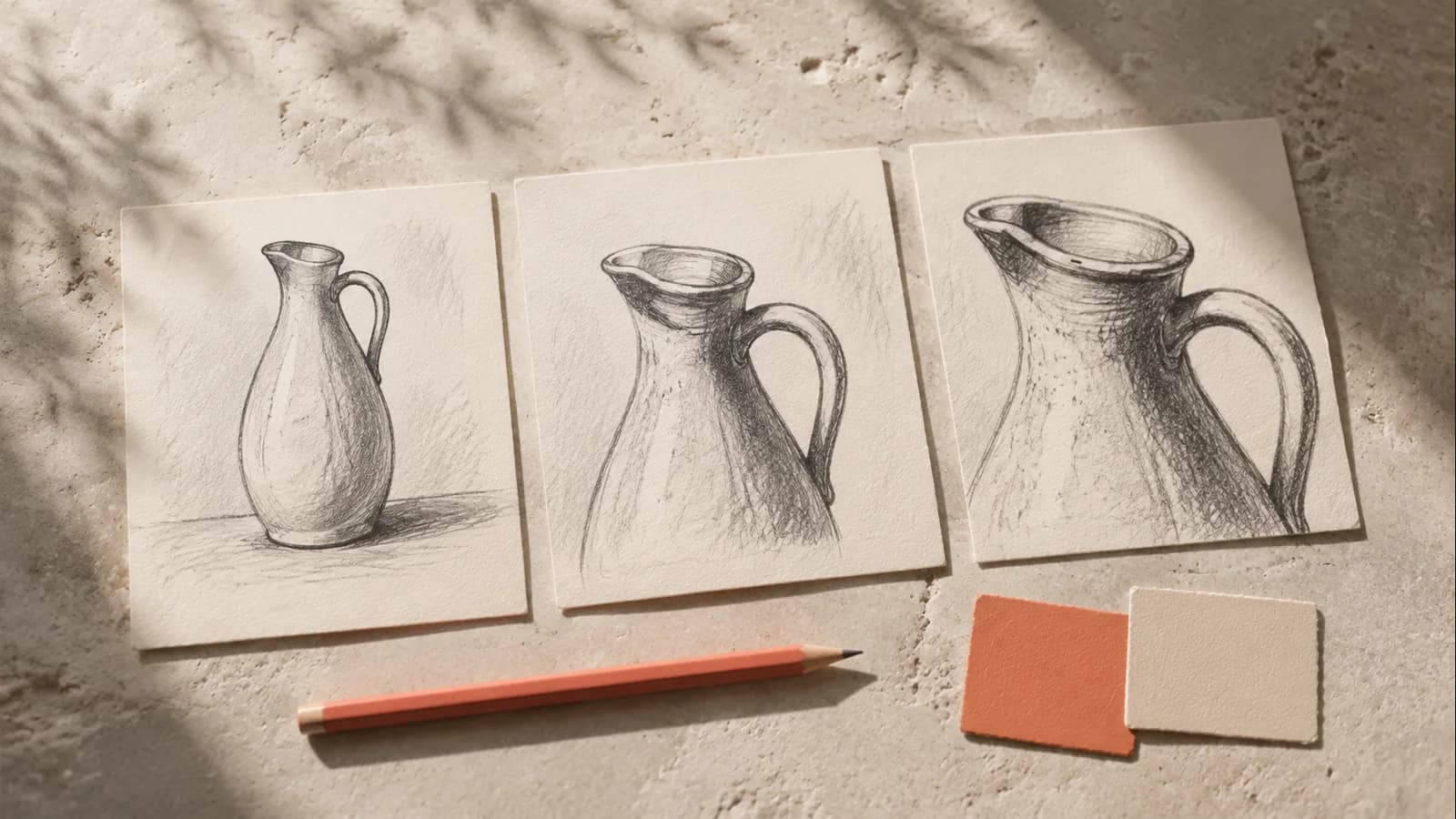
Three illustrated ceramic-pitcher storyboard frames. These do not establish product consistency across images.
Original concept artwork. Not an output example from Brevyn or a specific model.
Image to Video
Configure the current input, brief, and output options below. Upload and submission require sign-in; a successful start moves to your private Creation.
Generator
Add one image and a clear brief, then review the cost before you generate.
Evidence & boundaries
Input rules, selectable settings, availability, and credits are read from the current task, profile, and account owners. This section does not add a second capability or pricing source.
No model-performance claim is attached to this task page.
The controls above reflect the current runtime registry. They are not a promise of other model versions, resolutions, speed, quality, price, or future availability.
Brevyn is not affiliated with, endorsed by, sponsored by, or officially connected to ByteDance, Seedance, Dreamina, or CapCut.
A successful start opens /account/creations/{id}. Needs review stays there without implying approval; Ready is shown there only when the Creation owner exposes a controlled private result.
Sketch the subject, framing, and movement you want to describe. These ceramic storyboard cards are a planning illustration, not a generated video or a promise that details will stay identical.
Three illustrated ceramic-pitcher storyboard frames. These do not establish product consistency across images.
Original concept artwork. Not an output example from Brevyn or a specific model.